

Plano · Photo Preparation
Closets and Storage in Plano Listing Photos: What to Prepare
Decide which storage spaces need photographs, keep access clear, and protect personal belongings before a Plano listing media appointment.
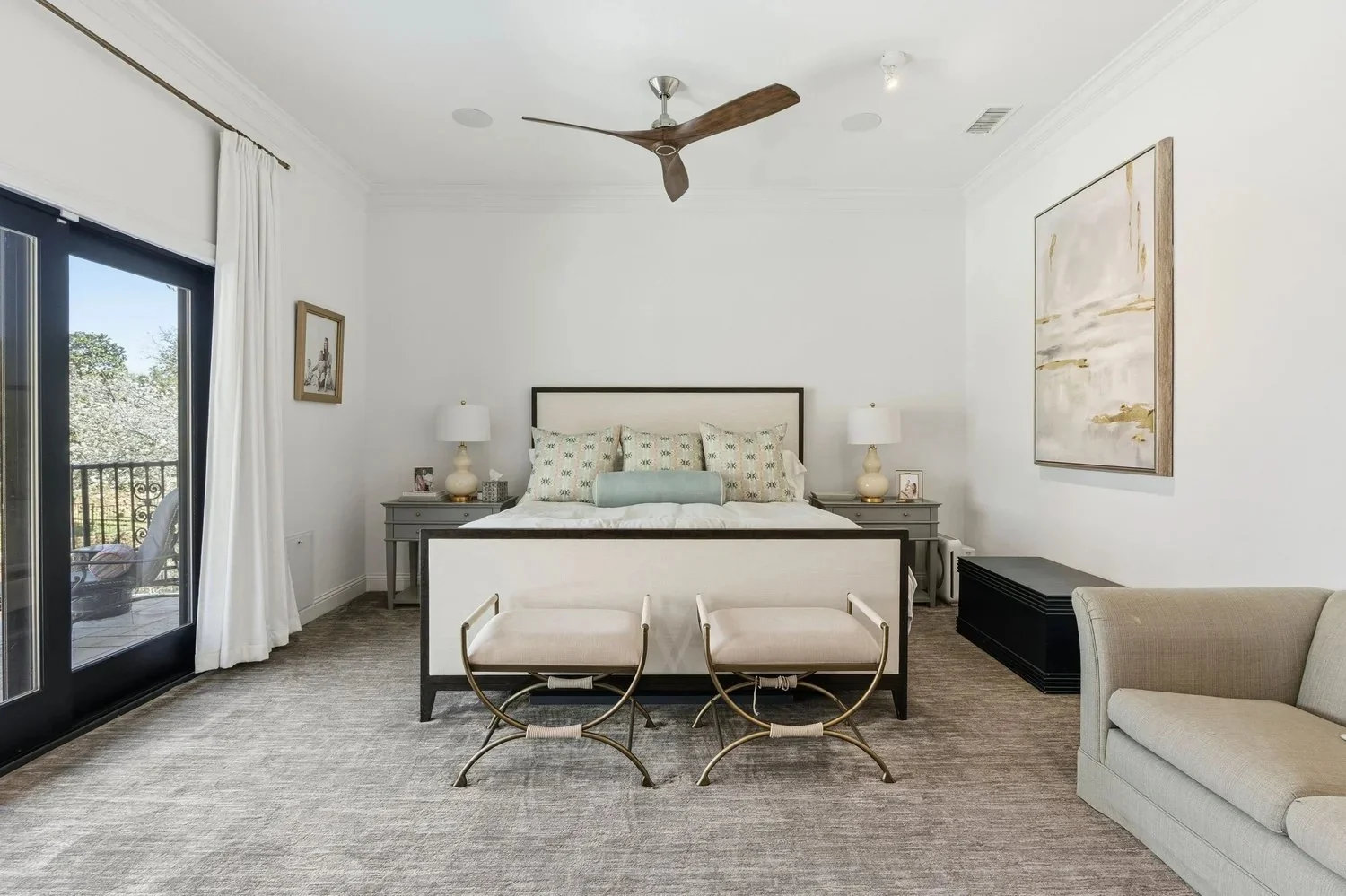
Not every closet needs its own listing photograph. For a Plano home, choose storage coverage according to the space it explains: a substantial primary closet, organized pantry, built-in storage, or a feature that is difficult to understand from the main room.
Tell the photographer which spaces matter before using them to hide everything removed from the rest of the house.
Choose the storage spaces that answer a question
Ask what a buyer needs to understand. Is the important point the shelving arrangement, connection to the bedroom, depth of a pantry, or a separate utility area? A specific purpose helps determine whether a dedicated image belongs in the photo plan.
Do not assume every cabinet will be opened or every storage area is included. Agree the coverage and identify any room that will remain unavailable.
Organize without misrepresenting capacity
Remove loose packaging, laundry, and unrelated objects. Arrange the remaining items so shelves, floors, and hanging areas can be seen. Leave enough real context to communicate scale without filling every surface.
Photographs should show the actual built-ins and layout. Do not ask editing to remove a fixed obstruction, extend a shelf, or create storage that the home does not have.
Use a separate private storage plan
- Keep documents, medication, valuables, keys, and identifying labels out of planned coverage.
- Check boxes and hanging items for names or addresses.
- Put fragile belongings somewhere they will not need to be moved during the session.
- Tell the agent which area is serving as the private holding space.
A closet selected for photography cannot also function as the last-minute storage solution for the whole home. Make that decision while preparing, not when the camera reaches the room.
Prepare access and light
Keep doors and walkways clear. Check the intended light and tell the team about any switch or fixture that needs an explanation. Avoid stacking items where a photographer must stand to show the space.
For tight storage areas, one clear photograph may explain more than several obstructed angles. Let the photographer plan the position after the space is ready.
Review the gallery for context
Place a storage image near the room it belongs to, rather than leaving viewers to guess where it is. Use an accurate description for a pantry, utility area, closet, or other space; a photograph does not establish a formal room designation.
Add storage priorities to your FLM photography brief and compare the current home-size coverage before the appointment is confirmed.